

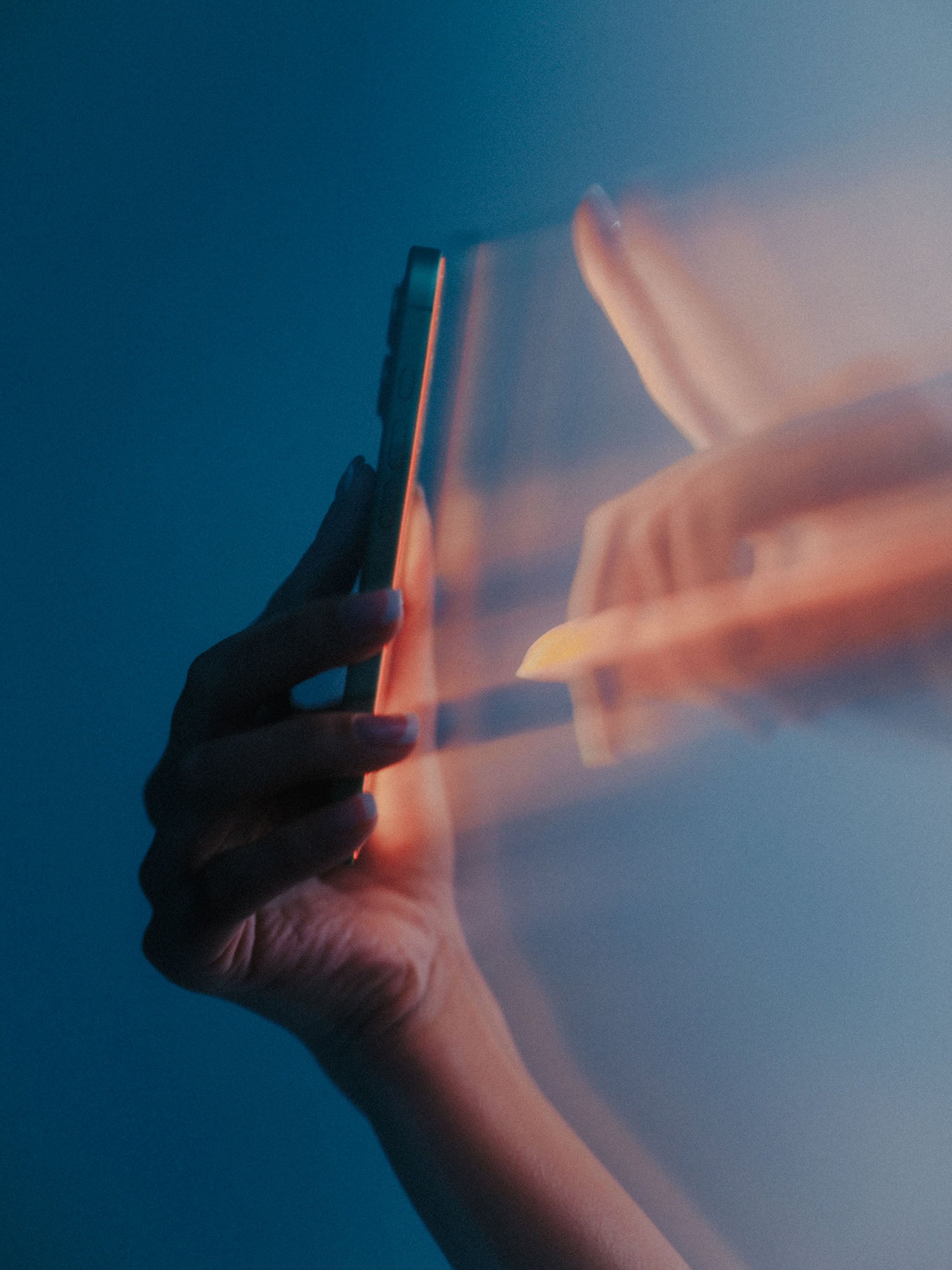
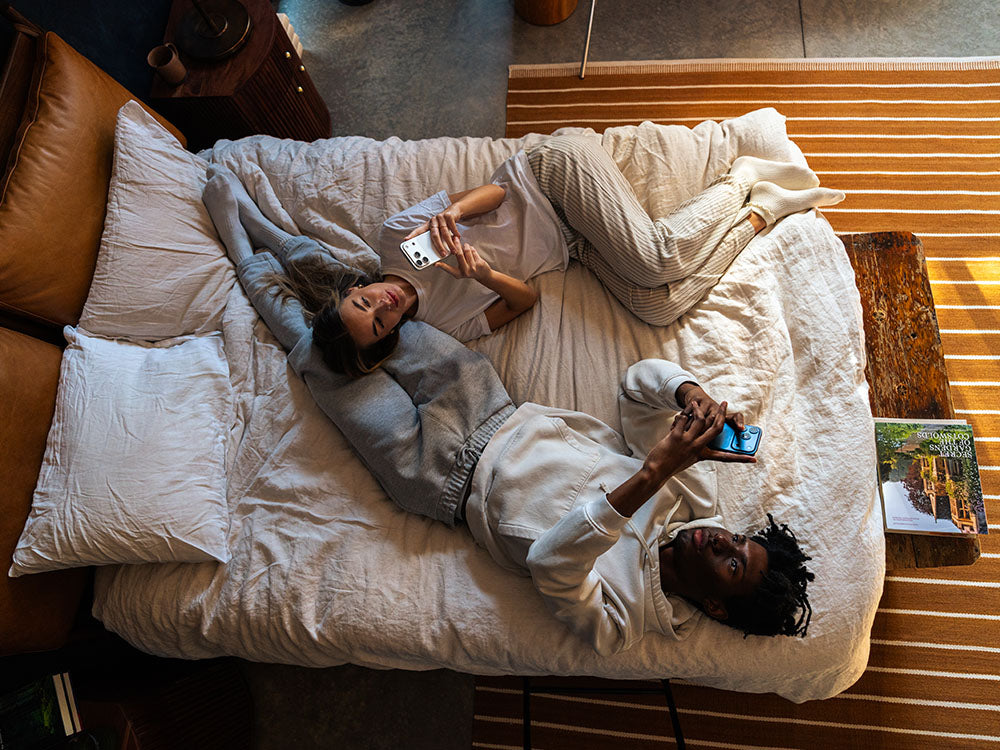

We’ve all experienced the "scrolling trance." You pick up your phone to check tomorrow’s weather, and forty-five minutes later, you’re three layers deep into a video thread. By the time you finally hit the pillow, your brain feels like it’s plugged into a wall outlet.
The problem is that our biology doesn't have an "off" switch; it has a slow-fading dimmer. In nature, that dimmer is the sunset. In our modern world, we have to build our own. Here is a step-by-step method to help you use your tech in the evening without sabotaging your rest:
1. Trigger the "Warm Shift" (2 Hours Before Bed)
Your brain uses light color to determine the time of day. Crisp, blue-toned light signals "noon," while warm, amber light signals "rest." Two hours before bed, flip the switch on your environment.
- The Move: Enable "Night Shift" on your iOS device or "Night Mode" on your laptop. For your home, swap standard bedside bulbs for blue-light-free LEDs (like those from Soraa).
- Why It Works: You’re signaling to your brain that the sun has gone down, which allows your natural melatonin production to start its engine.
2. Swap the Stimulus (1 Hour Before Bed)
The hardest part of a digital sunset isn't just putting the phone down; it’s figuring out what to do next. If you jump straight from a bright screen to total darkness, your mind will often fill that silence with a loop of the day’s stressors.
- The Move: Switch to a dedicated E-ink reader (like a Kindle). E-ink uses reflective light that mimics paper, unlike tablets that shine light directly into your eyes.
- Why It Works: These devices provide "low-intensity" engagement. They keep your mind occupied enough to stay off the "stress loop" but aren't stimulating enough to keep you awake.
3. Outsource Your Willpower
We’ve all fallen for the "just five more minutes" trap. Sometimes the best way to handle temptation is to remove the option entirely.
- The Move: Put your charging station in a different room, like the kitchen or bathroom, at least 30 minutes before bed. If the pull is too strong, look into a timed lock box (like a kSafe) to physically lock the phone away until morning.
- Why It Works: By creating physical distance, you give your nervous system permission to stop processing new information and start winding down.
4. Redefine Your Wake-Up
If your phone is your alarm clock, it’s also the first thing you touch in the morning, which usually leads to checking notifications before you’ve even stretched.
- The Move: Invest in a sunrise alarm clock (like the Hatch Restore). These use a gradual glow to simulate a natural dawn, waking you up with light rather than a jarring noise.
- Why It Works: The sunrise alarm clock allows you to start your day on your own terms. By the time you find your phone in the other room, you’re already alert and awake, rather than starting your morning in a reactive state.
5. The Final Defense
We live in the real world—sometimes you have a late-night deadline or a movie night that keeps you on a screen later than planned.
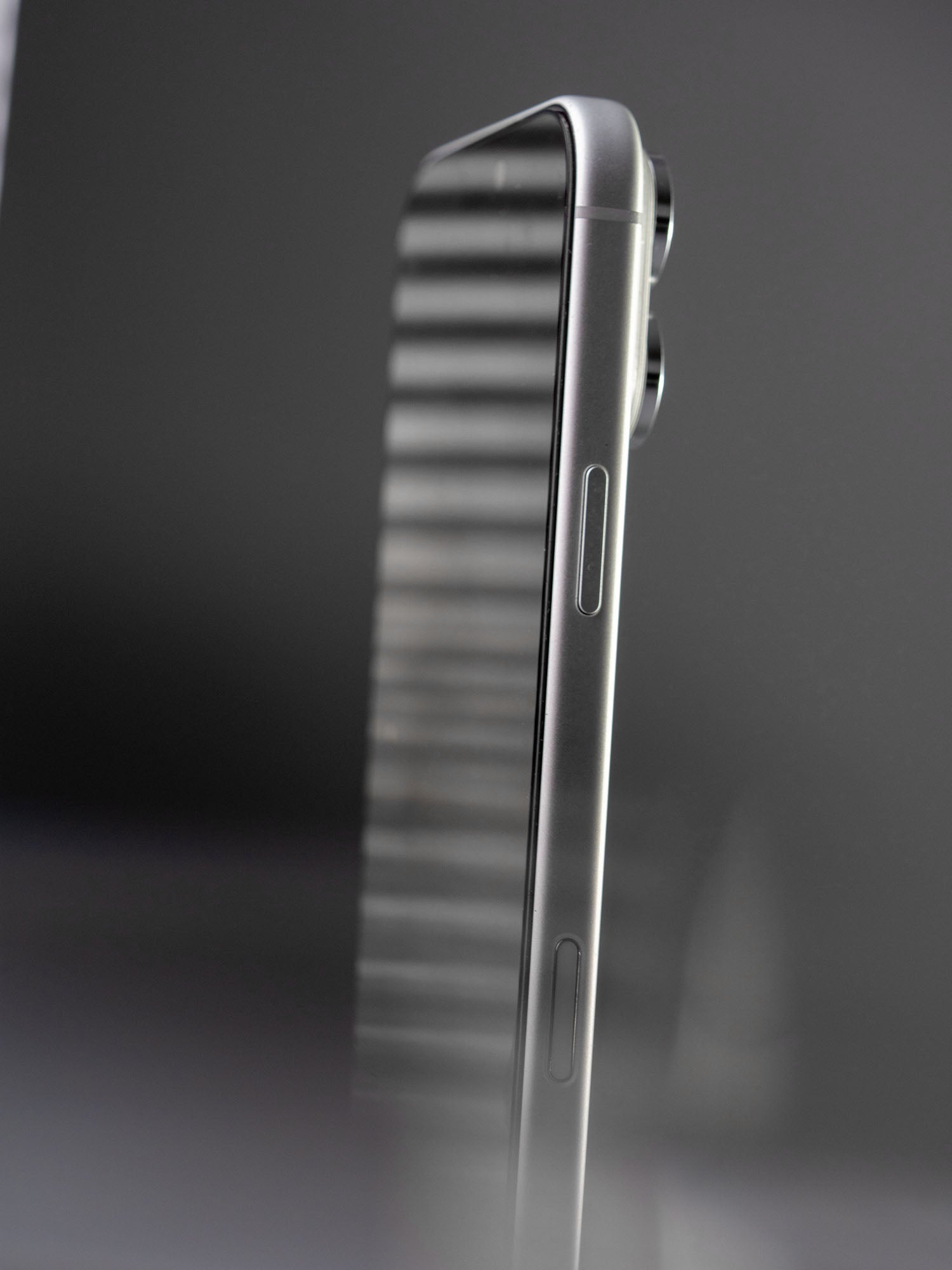
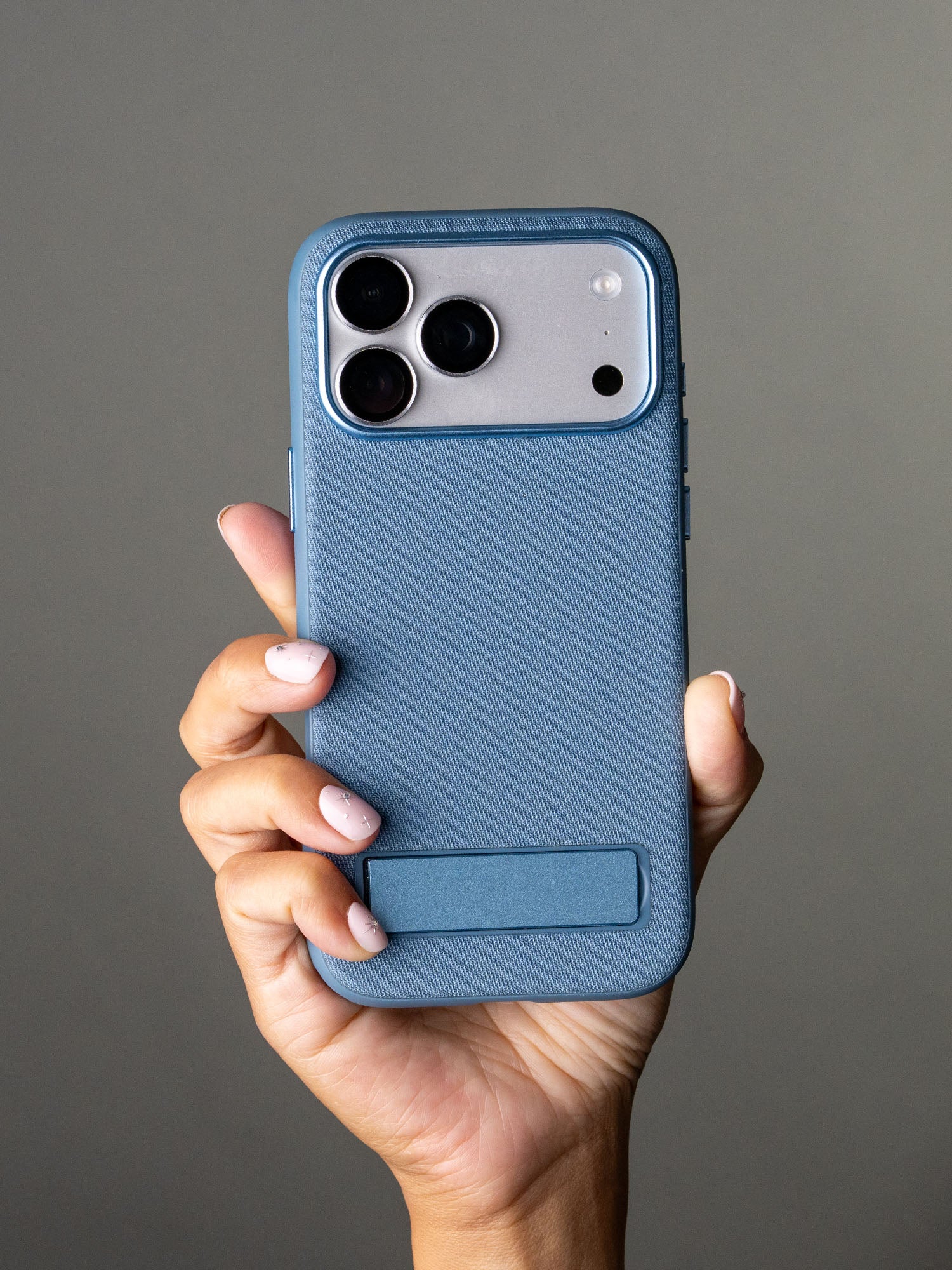
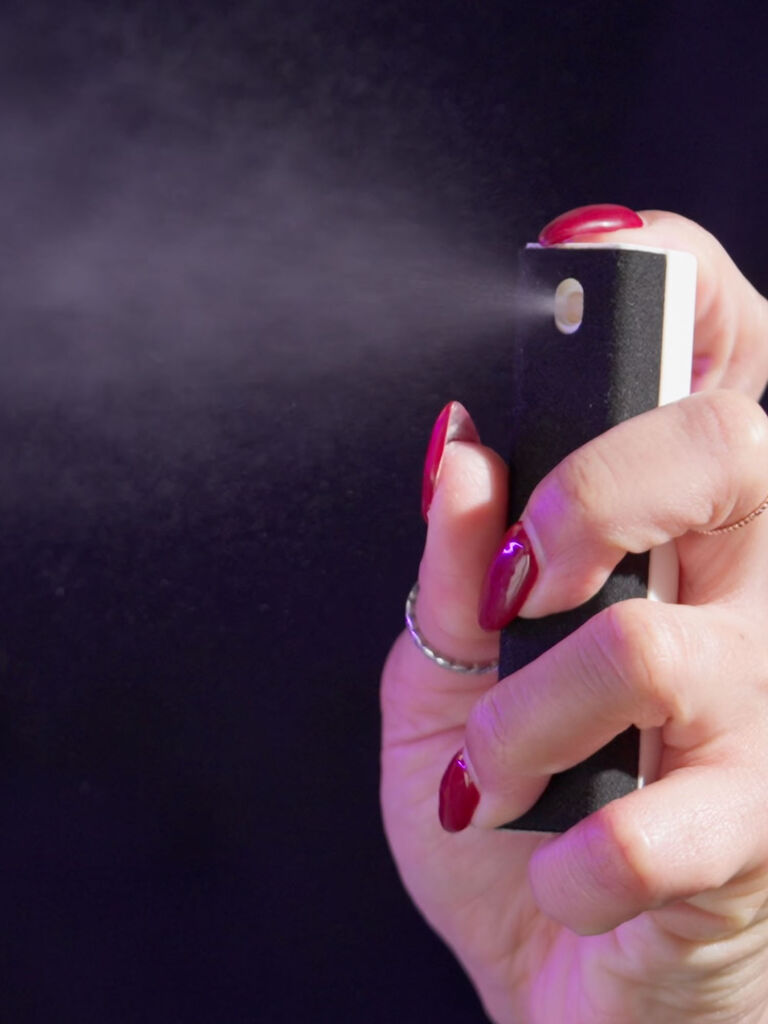
- The Move: This is where a hardware-level blue light filter earns its keep. While software can shift colors, a physical filter ensures the high-energy, 450 nm frequencies are mitigated before they ever hit your eyes.
- Why It Works: This safety net allows you to stay connected when necessary without the "biological tax" that usually follows late-night screen use.
Building a digital sunset isn't about being anti-technology; it's about being pro-human. It’s taking a few minutes to ensure your tech works for you during the day, but steps aside when it’s time to rest.


Leave a comment
This site is protected by hCaptcha and the hCaptcha Privacy Policy and Terms of Service apply.